Gettin’ busy with Claude
Recently I’ve been working through AI-assisted workflows and testing how far I can take an idea when I own the design direction, the requirements and the delivery. These three apps started with things I wanted to solve in my own life, and gave me room to work through the whole experience, from the initial idea to something I actually use.
There has been a fair bit of learning along the way. Some very satisfying progress, some stubborn problems, and plenty of attention paid to things I suspect nobody else will notice. I imagine most designers will know that feeling.
Violetta
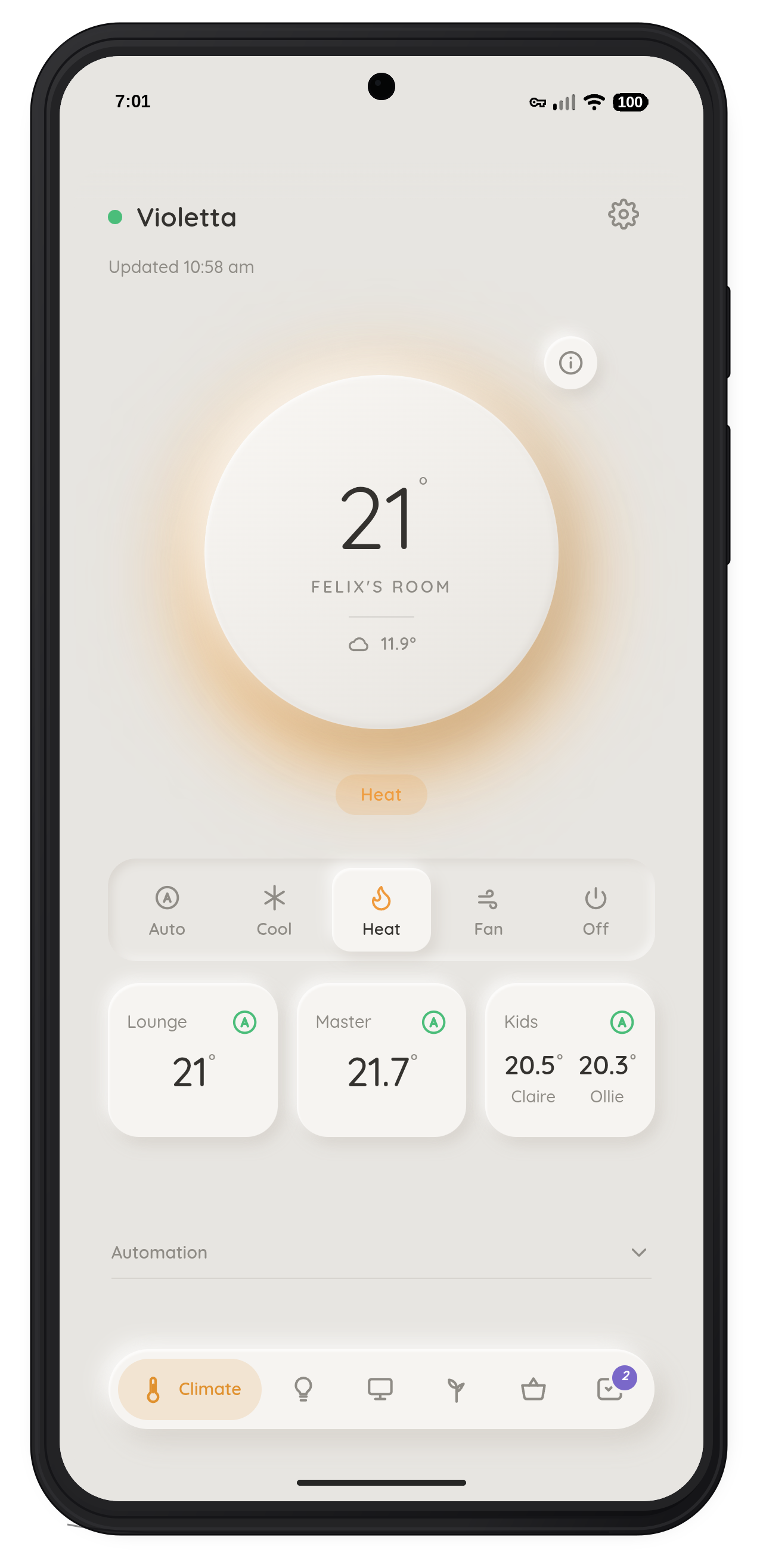
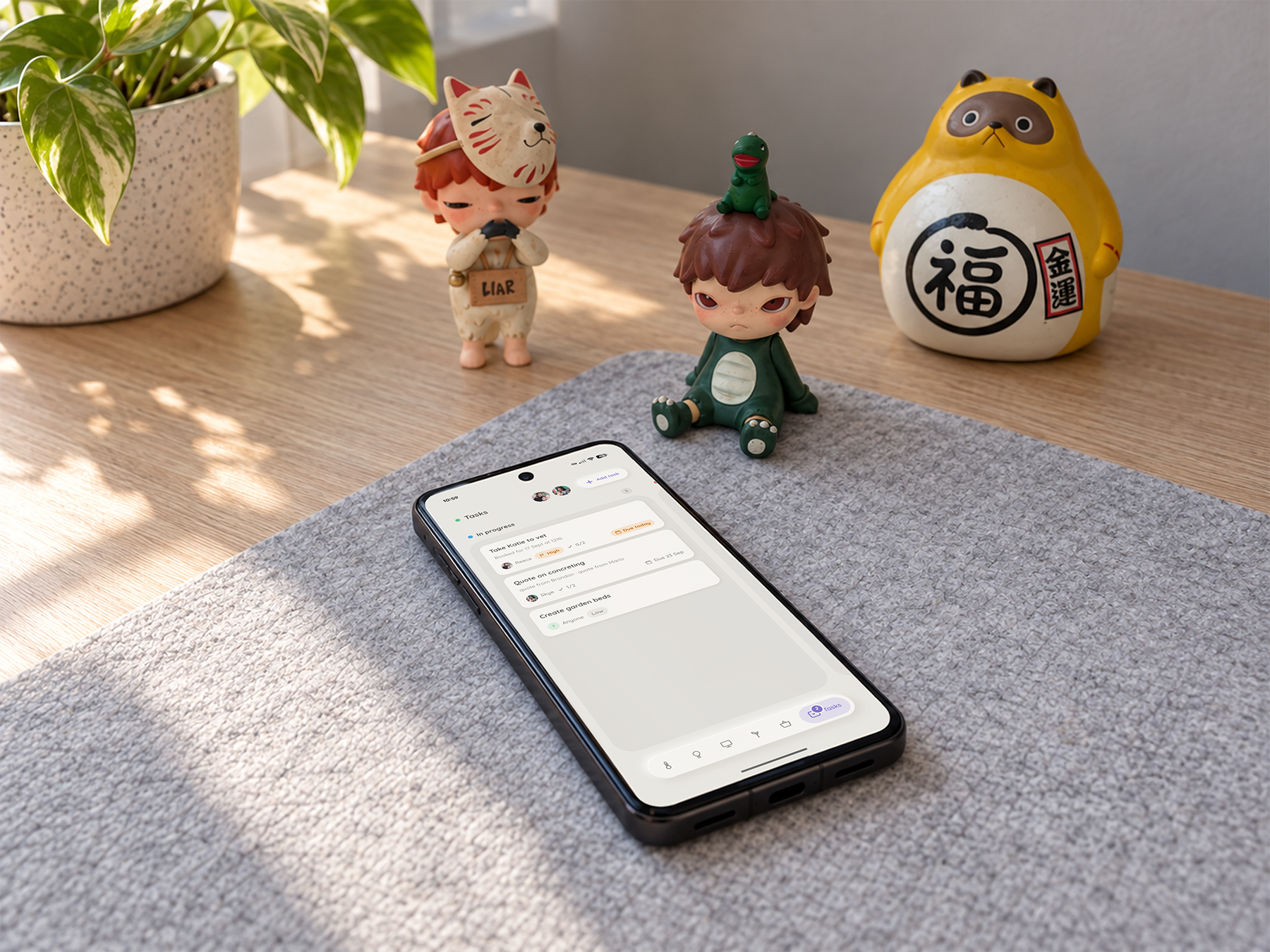
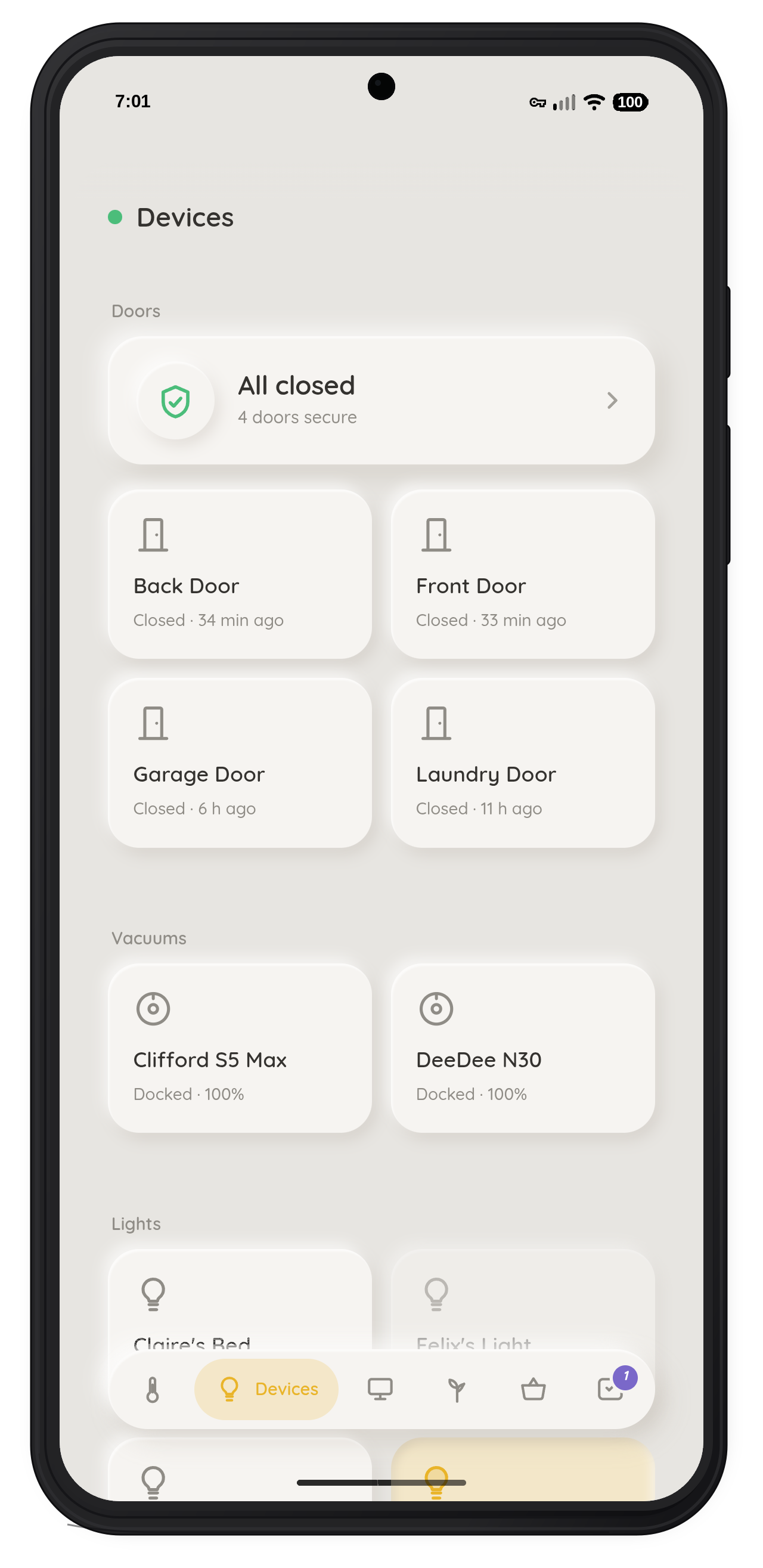
Violetta started as a way to control a stubborn air conditioner and grew into a native app that runs the whole house through Home Assistant — climate, lights, blinds, doors, the telly, even the robot vacuums. Then it kept going, past the hardware and into the running of the household itself: plants, tasks and a shopping list, each with a tab of its own. Most of the work went into making it feel responsive and genuinely native while staying honest about what was actually happening at home.
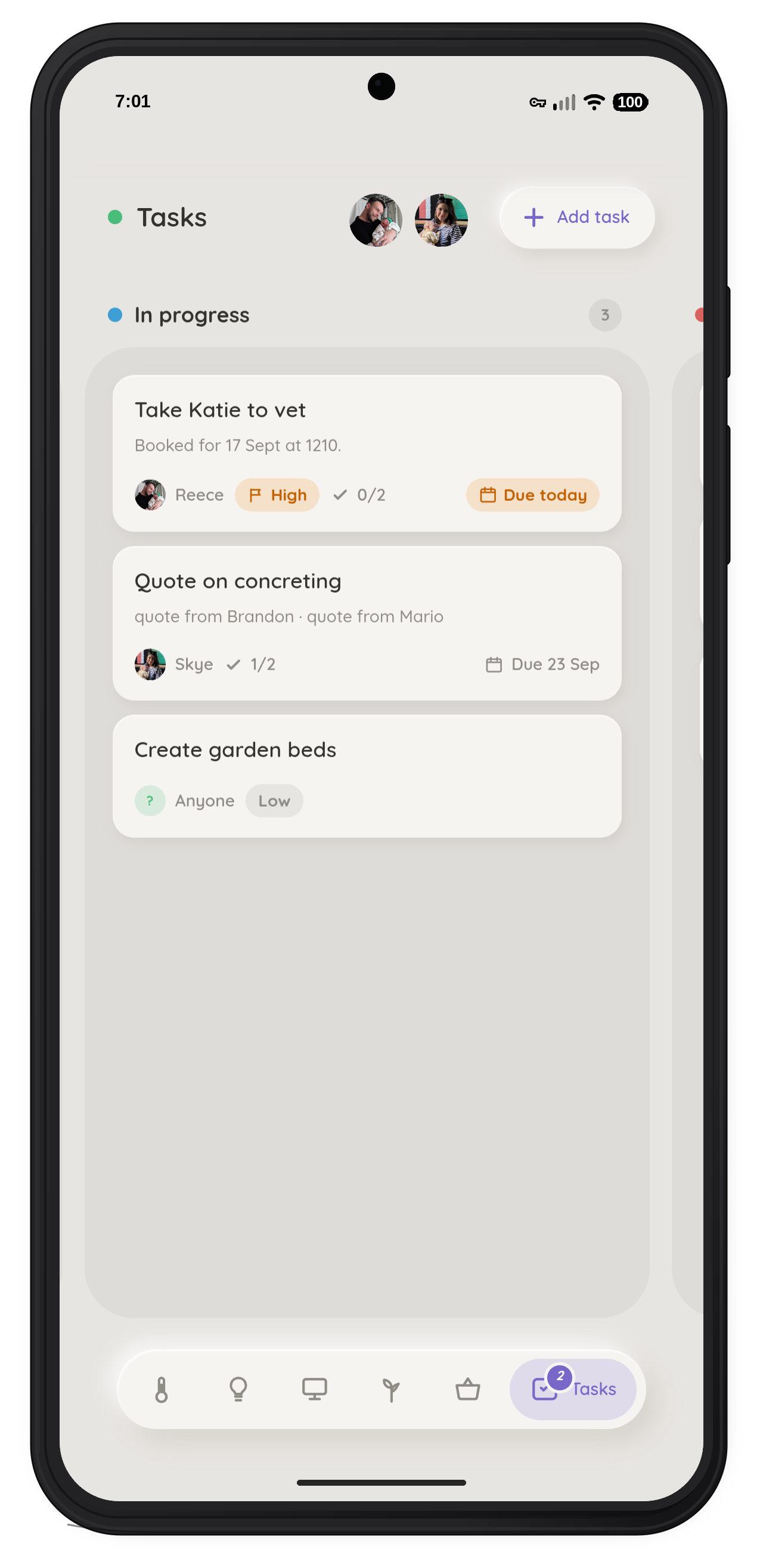
The household tabs are where it gets interesting. Plants identifies and tracks each species, and when it was last watered. Tasks is a little board you drag cards across, each one assigned to a person with a due date. Shopping keeps a list per store. Simple enough on their own, but once they are in there, they drive action.
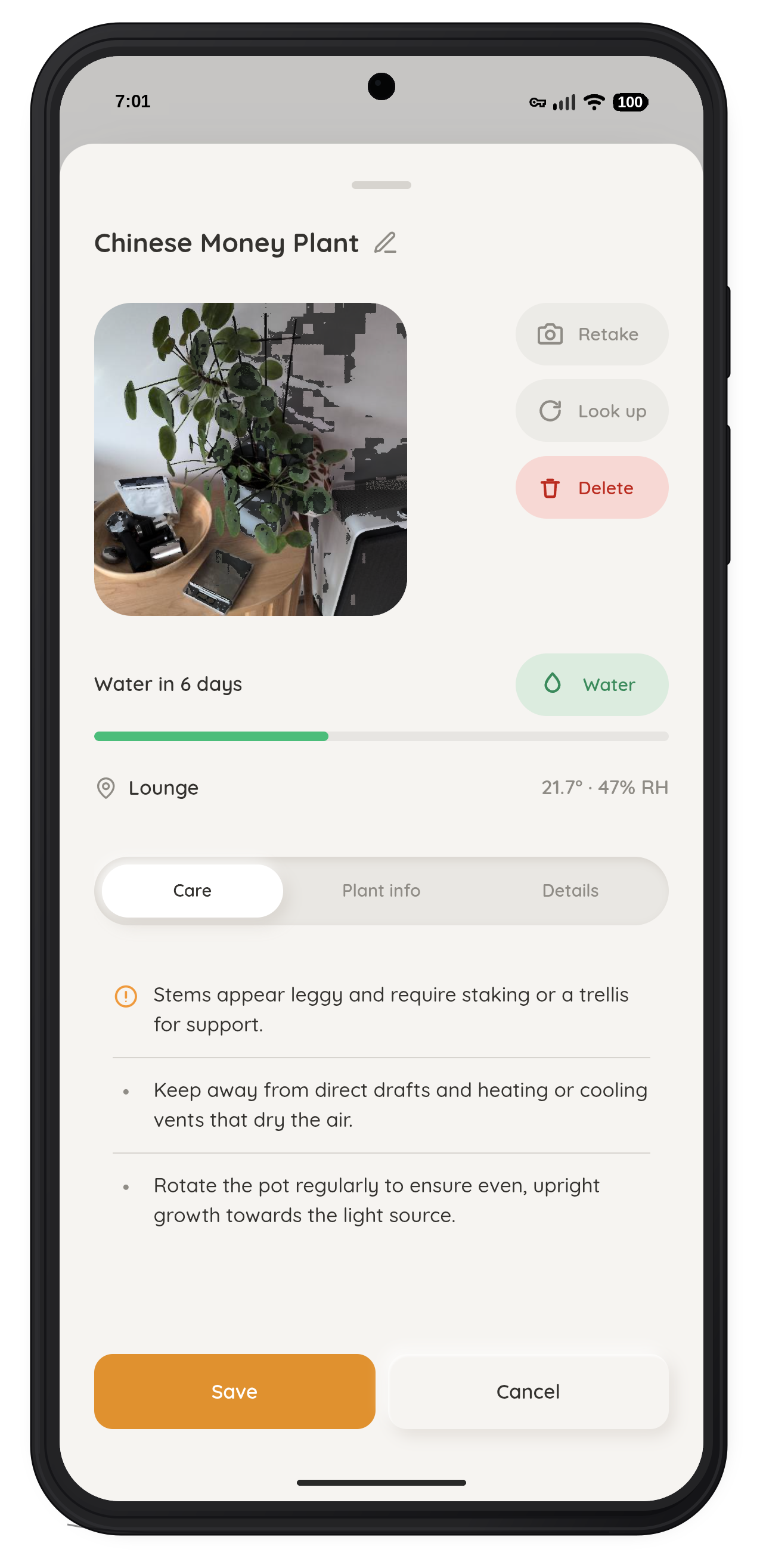
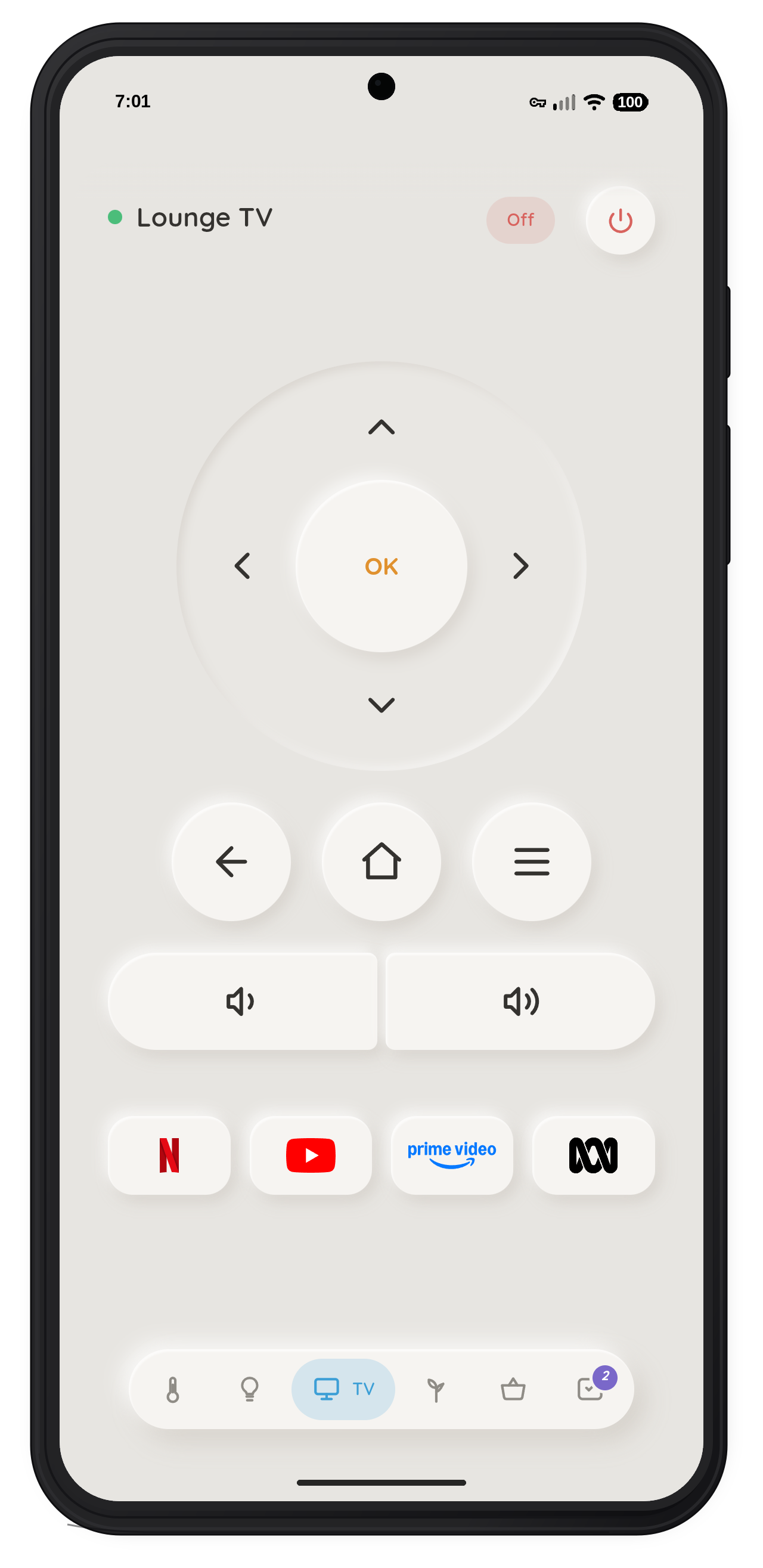
Building that meant writing the automation logic itself, not just the screens — turning the app's own data into rules that quietly look after the place. Packaging it as a native app and living with it turned up behaviour a browser never showed, so finishing it properly meant real time with it. It gave me a much more direct feel for the gap between a design looking right and an experience actually behaving well.
The part I'm proudest of is what these lists do in the background. They write real automations that run inside Home Assistant, on the server, whether or not anyone has the app open. Plants get a watering reminder that adjusts to room humidity — a drier room shortens the interval — and re-nudges each day until you actually water them. Tasks remind each person only about their own, and only when something's due. And the shopping list waits until you walk into the store it's for, then sends a nudge.
CalTrack
Most calorie trackers ask you to do a fair bit of work before they give you anything useful. I wanted to describe what I ate and get a reasonable estimate back, without spending breakfast searching for breakfast.
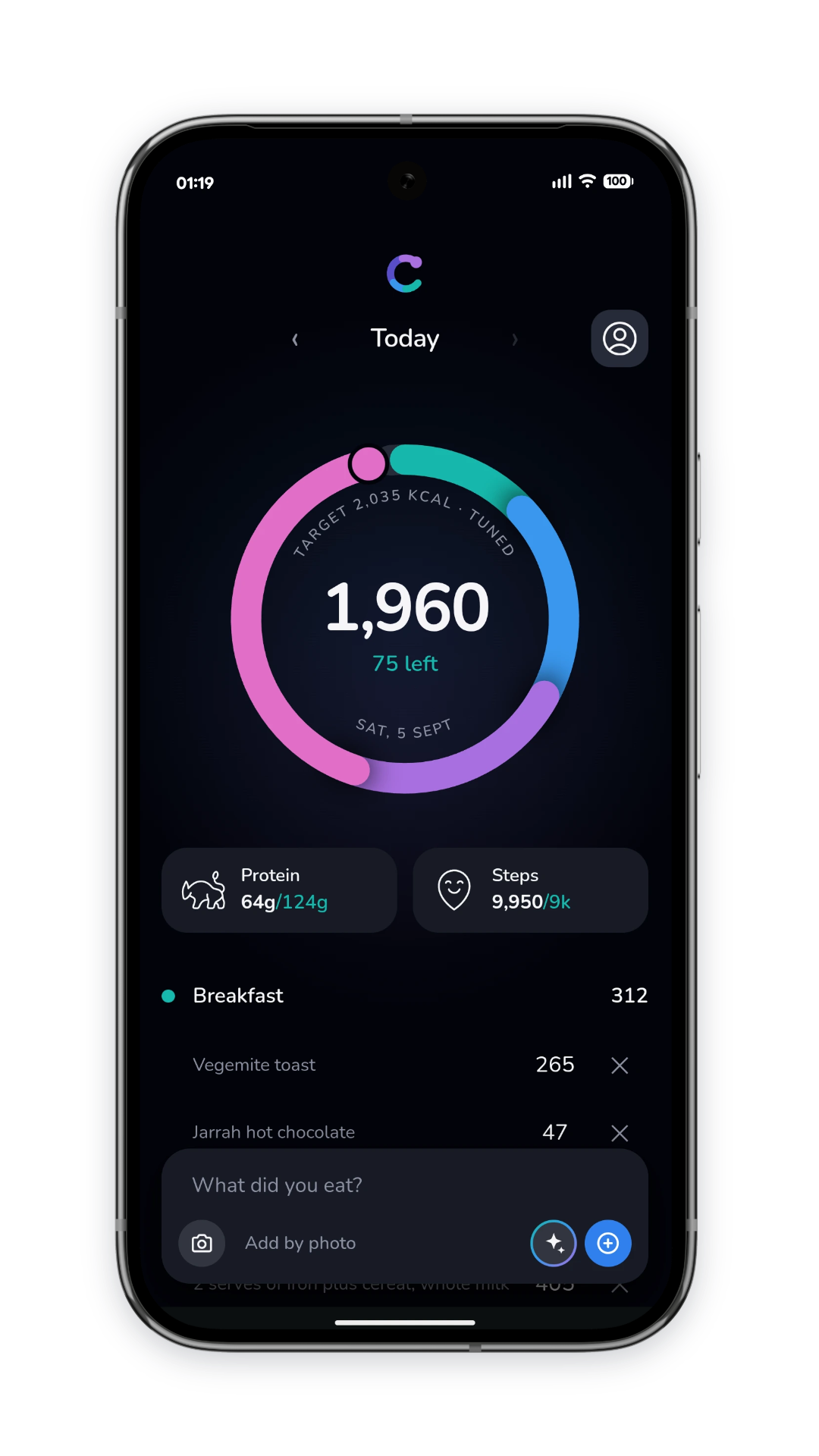
CalTrack takes a description or a photo of a packet, then breaks it down into calories and macros, built around Australian food and portions, accounting for things like cooking oils and the difference between a serving and an entire takeaway container. It only asks a question when the answer would actually change the estimate, capped at two, and it remembers any corrections I make for next time I log the same food.
The part I'm proudest of is the ongoing recalibration. It starts with a conventional estimate of energy needs, then brings together food logs, steps from Oura and weight from Withings to check that estimate against what's actually happening over time. Steps get averaged across a week to make a limited adjustment, so one unusually active day doesn't drag the target too far. With enough weight history and consistent logging, the relationship between intake and weight change can start to take over from the starting formula, and the app keeps reassessing as activity, weight and habits shift.
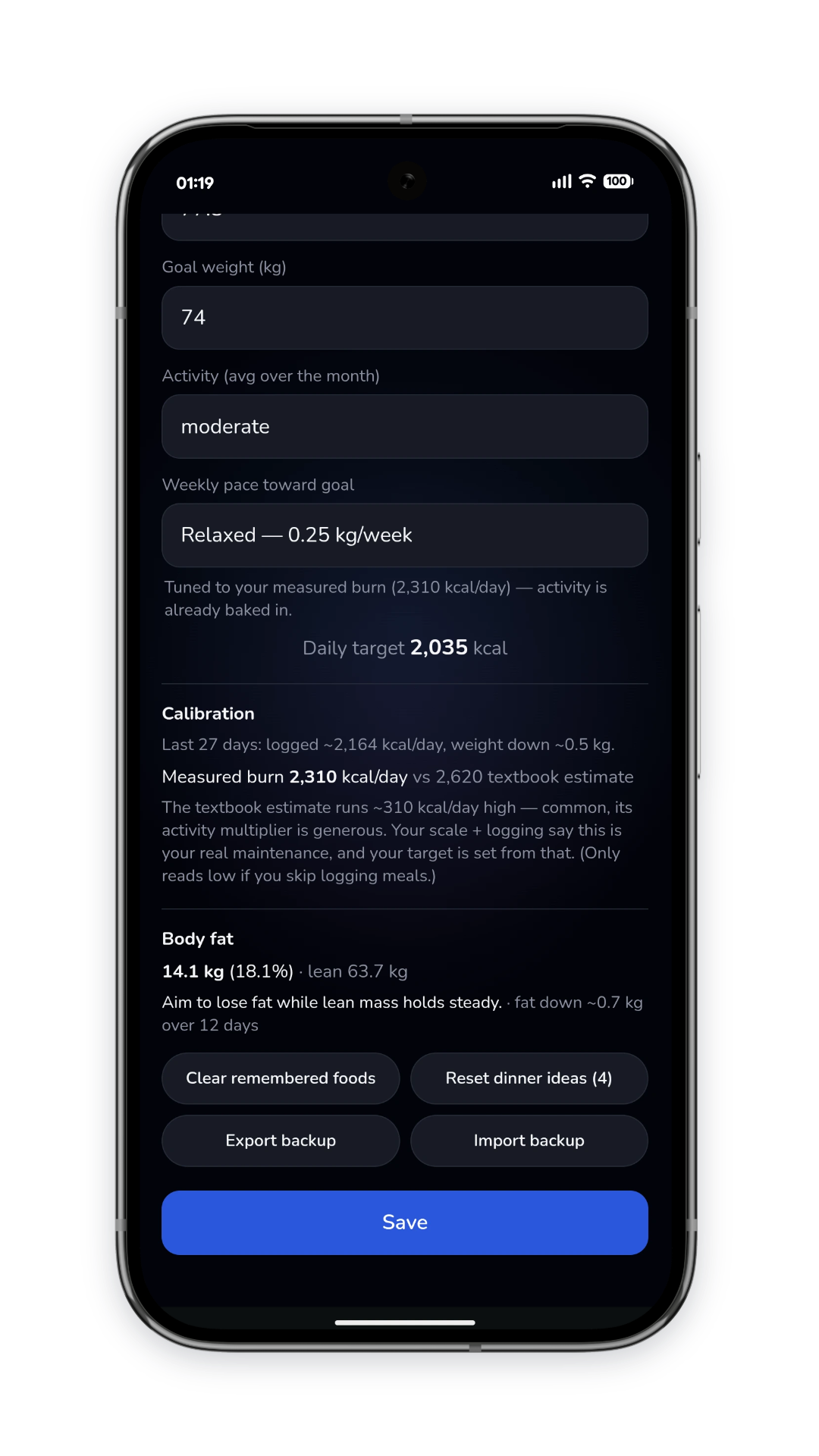
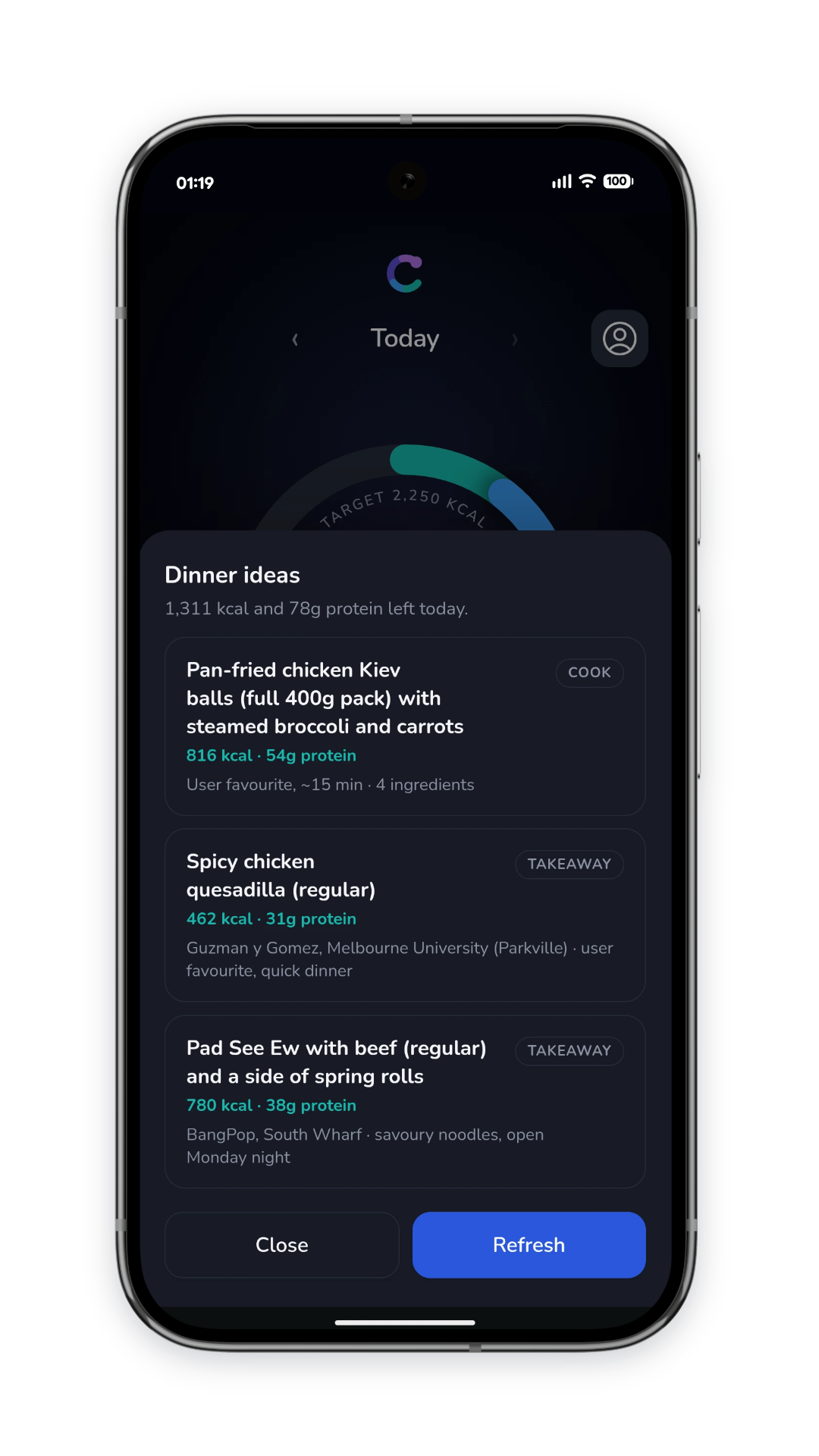
There's a lot of judgement in that, deciding when there's enough information to use, how much to move the target, and where incomplete logging could paint a misleading picture. Today's target can adjust while previous days stay locked in, and a plain-language readout explains how the estimate compares with the starting assumption, so the number stays understandable as it moves. The meal suggestions build on the same context: calories remaining, protein gap, time of day and location.
HeroKana

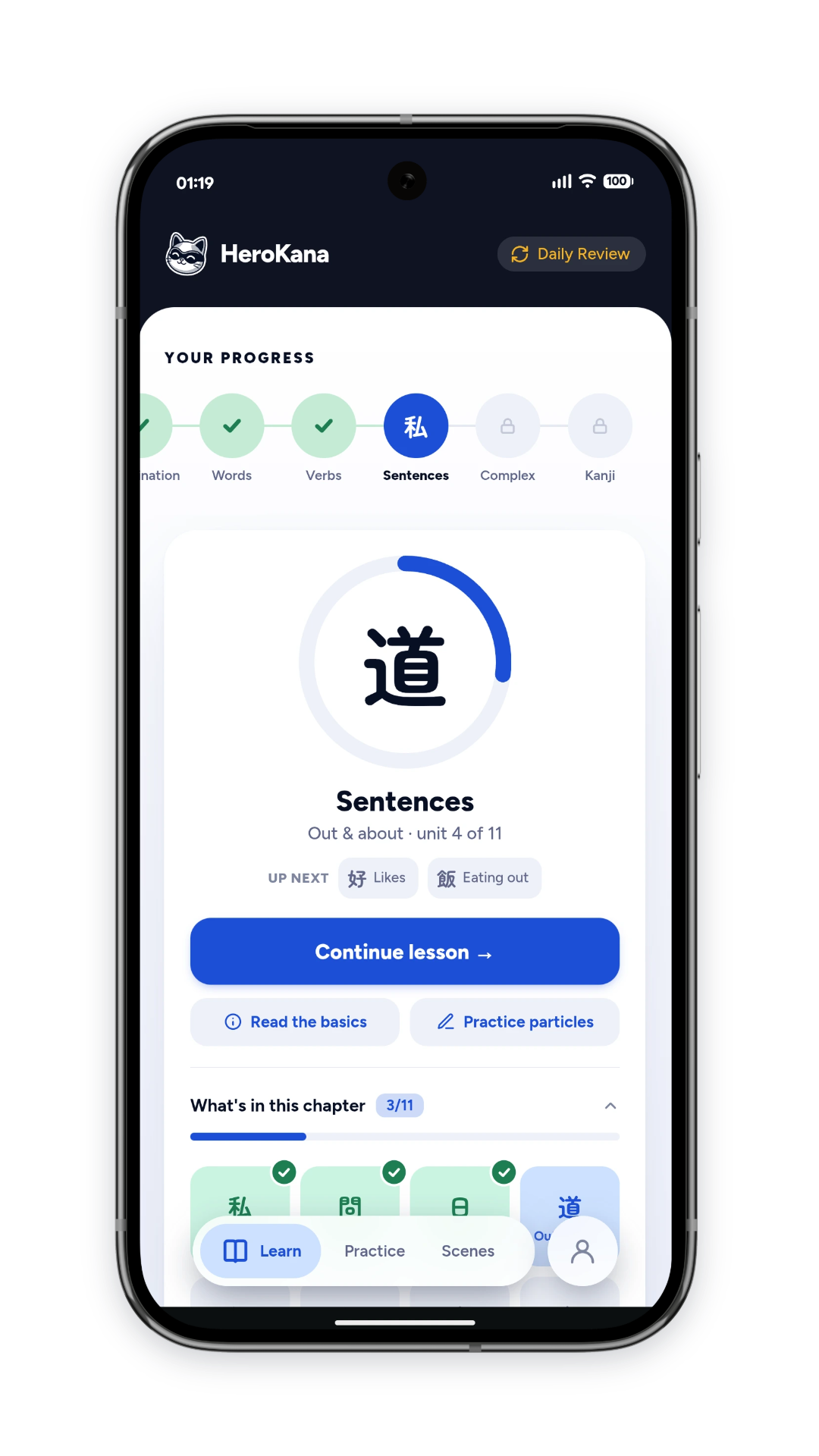
I wanted to learn Japanese, but I wasn't exactly keen on another app nagging me about a broken streak, nor the melting owl greeting me with guilt. HeroKana grew out of wanting something calmer, something I could make progress with without feeling like I'd signed up to another commitment.
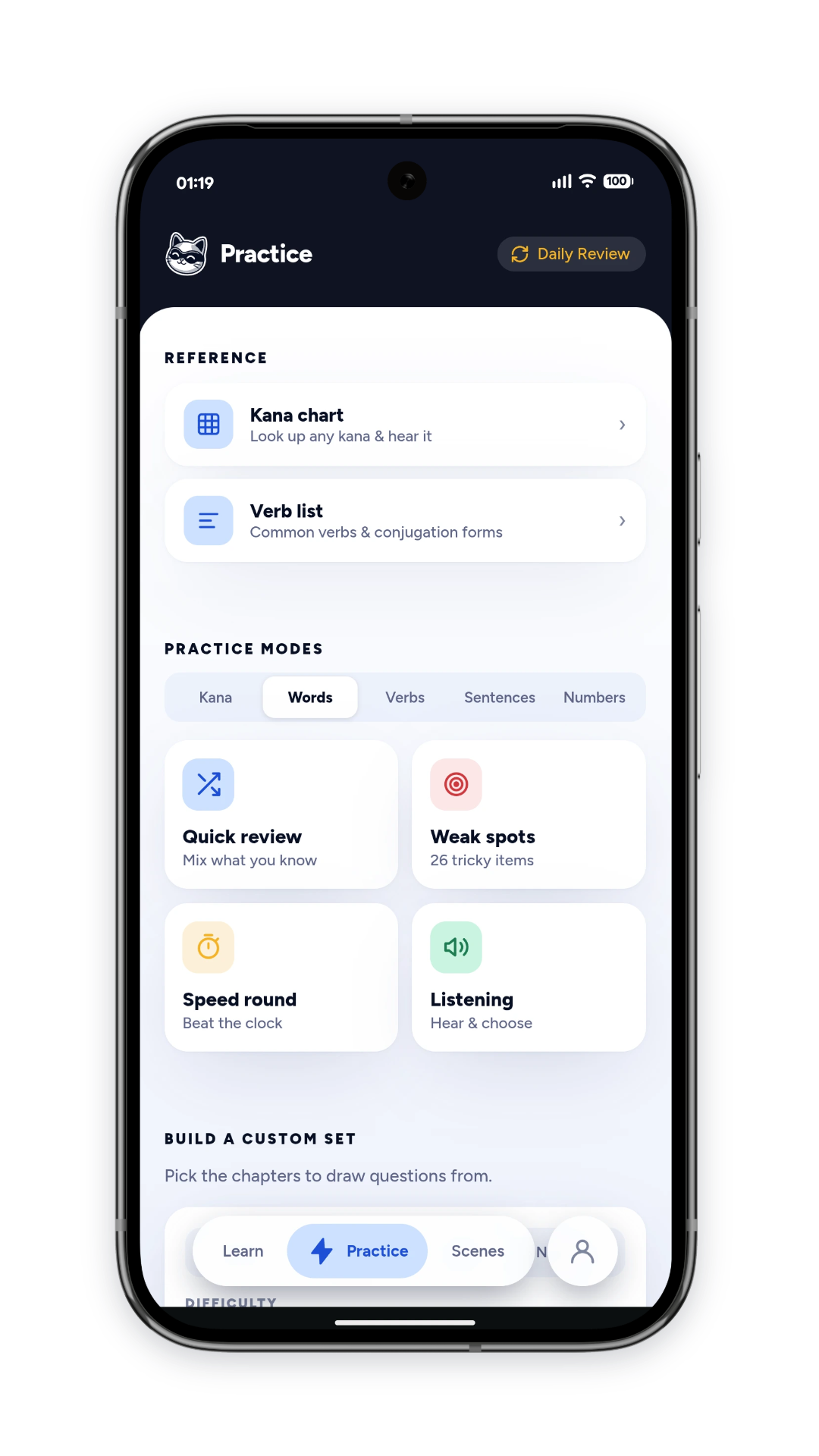
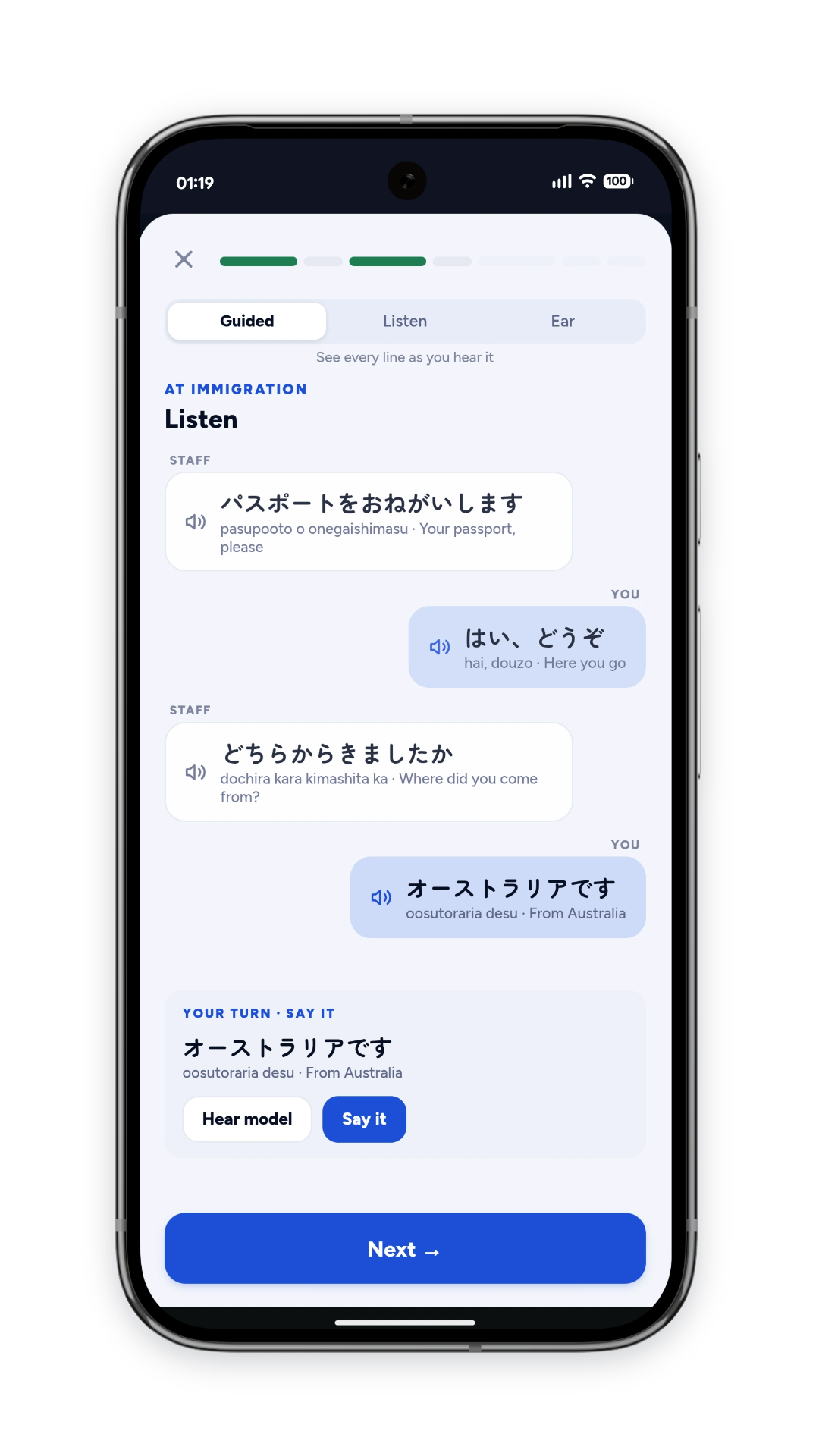
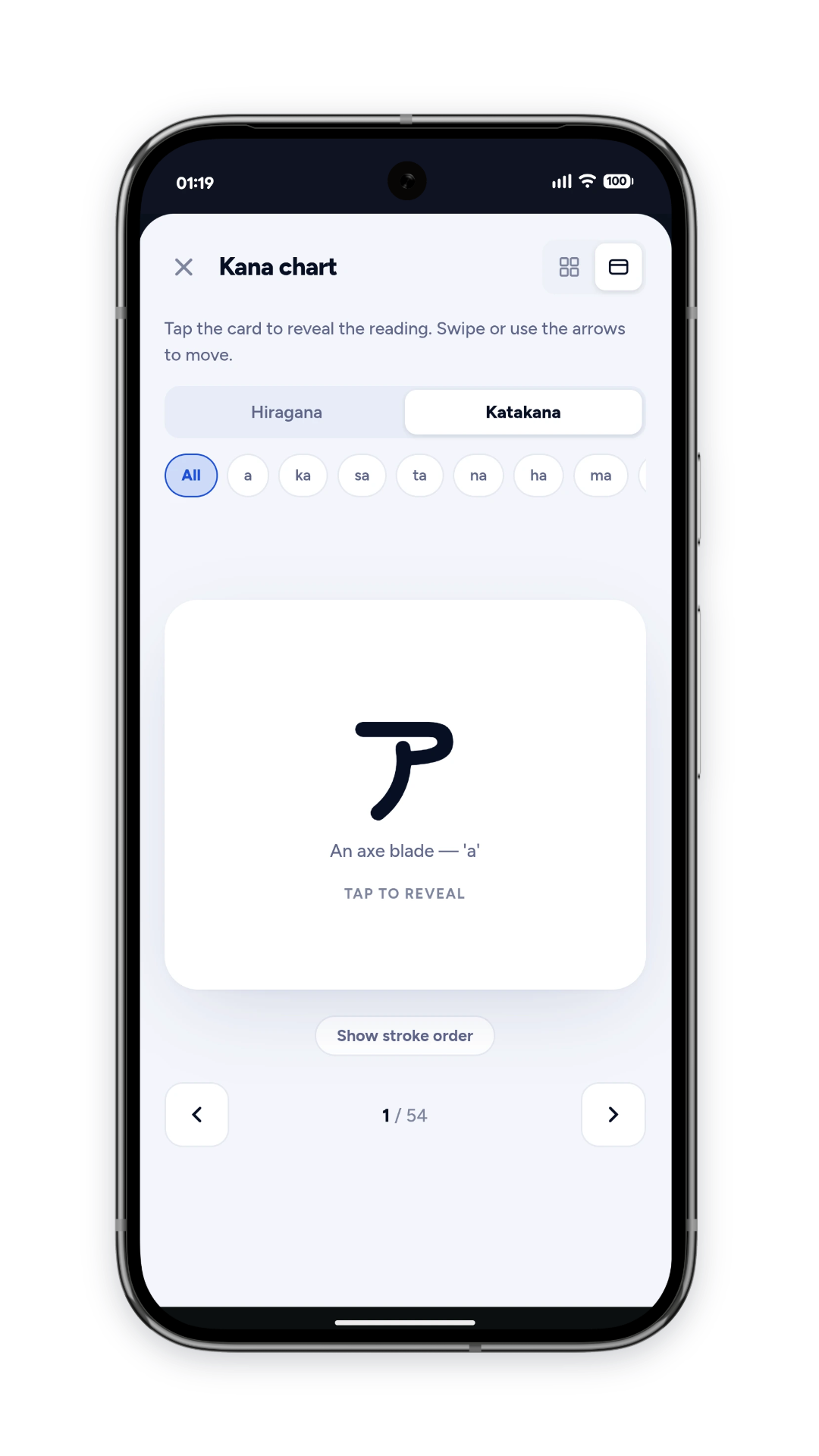
It teaches Japanese characters, words and sentences through structured lessons and practice. No account, your progress lives on your device, and it works without signal, so it's something I can comfortably use for a few stops on the train. The learning logic tracks how you're doing with individual items and brings the tricky ones back more often, mixing recognition and recall, with example sentences personalised around your profile.
What interested me was how consistently I could carry that sense of care through the whole product: light and dark themes considered individually, updates that wait until you're ready instead of swapping the app out from under you mid-lesson. There is a cat, although she only makes fairly limited appearances. Love a bit of personality, but she doesn't need to supervise.
Building it also meant thinking past the current version, since adding content needs to preserve existing progress and the learning rules need to hold together as the course grows. Keeping things calm and respectful gave me a clear way to make those calls throughout delivery.